
 Add to Chrome




 Figma plugin


Why I built Figscreen.
A few years ago, I was spending more time managing screenshots than actually designing.
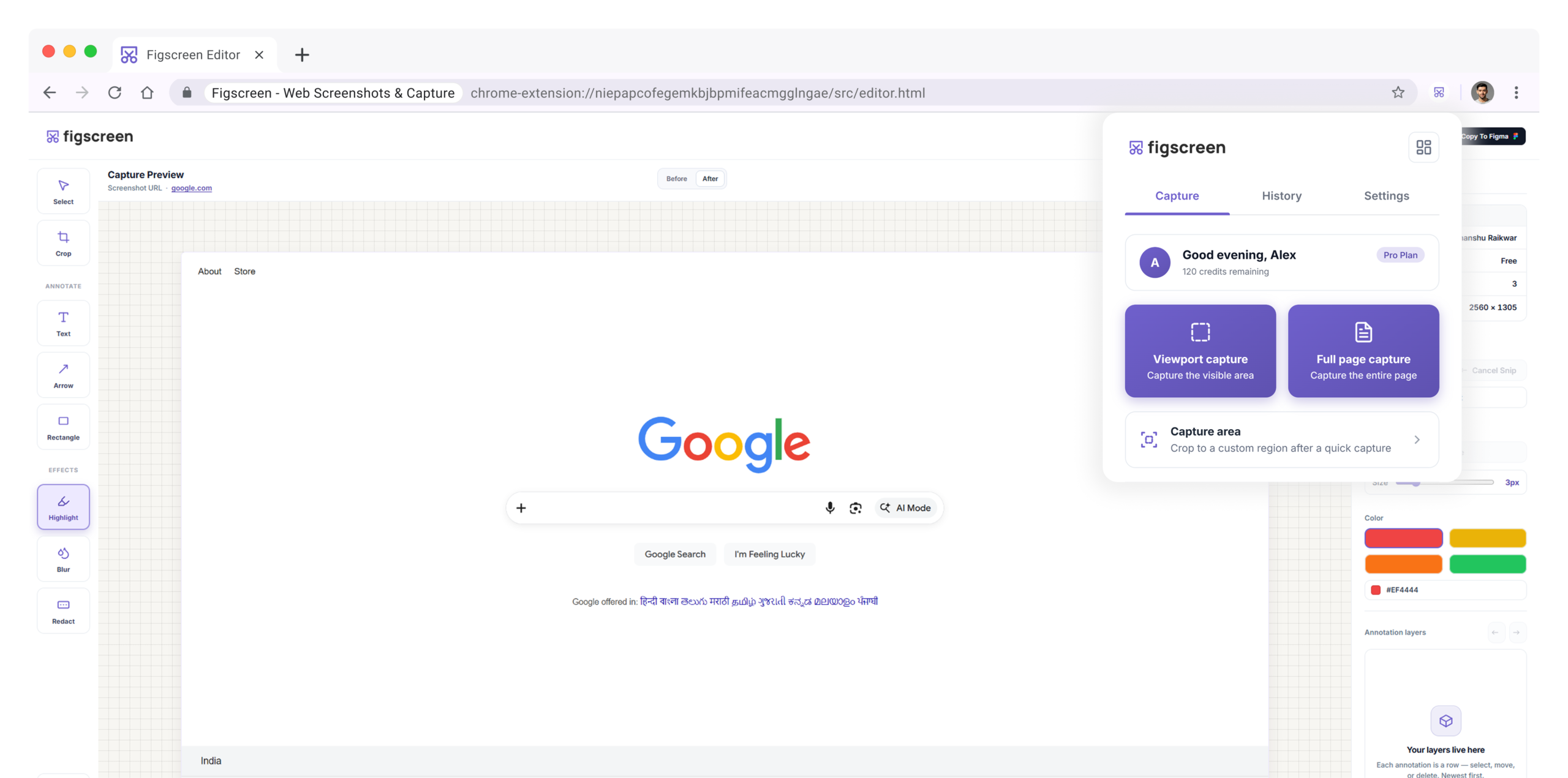
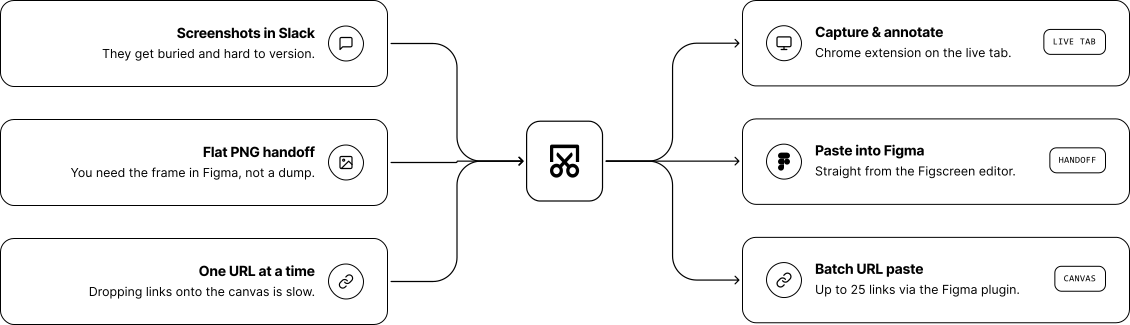
Every project meant too many tabs open, messy crops, blurry annotations, and dragging screenshots into Figma one by one. The most frustrating part was importing dozens of website screens onto a canvas manually — it felt like pure busywork.
So I built Figscreen.
It started as a Figma plugin that could capture and import website screenshots directly into Figma in bulk. I launched it on Product Hunt in May 2025. It only got 19 upvotes, which honestly felt disappointing at the time. But the people who used it kept coming back, and one request kept showing up again and again:
“Can I capture and annotate before sending it to Figma?”
That question turned into the Chrome extension.
Using AI, Figma, and WordPress, I designed it, built it, wrote everything, and figured things out along the way. Before it ever made it to the Chrome Web Store, it got rejected three different times. Each rejection meant going back, fixing issues, rewriting parts, and resubmitting again.
Then finally — on 5/9/2026 — it went live.
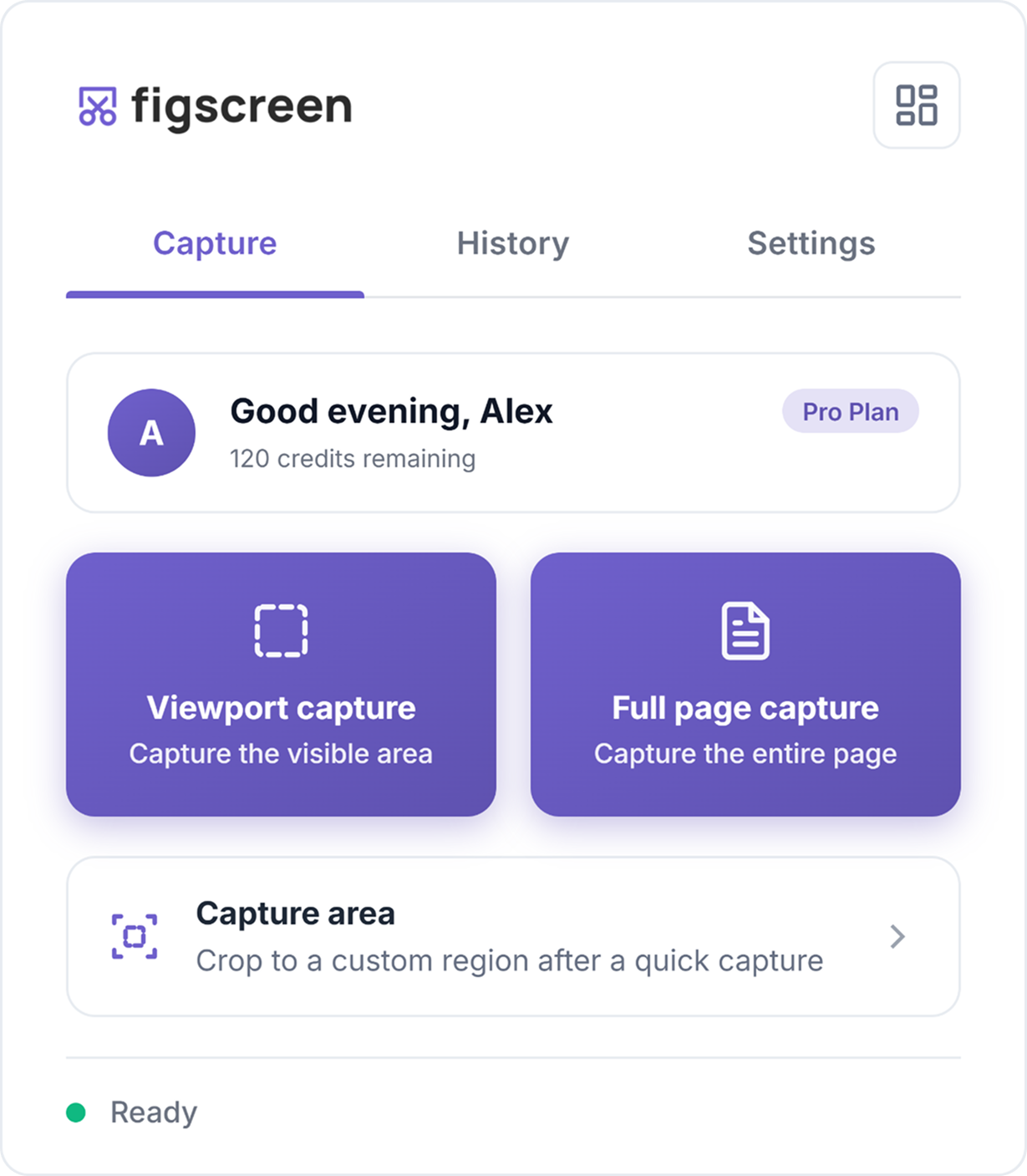
Today, 2,000+ designers use Figscreen every week across Chrome and Figma together. Clean captures, proper annotations, and one-click export into Figma without breaking the workflow.
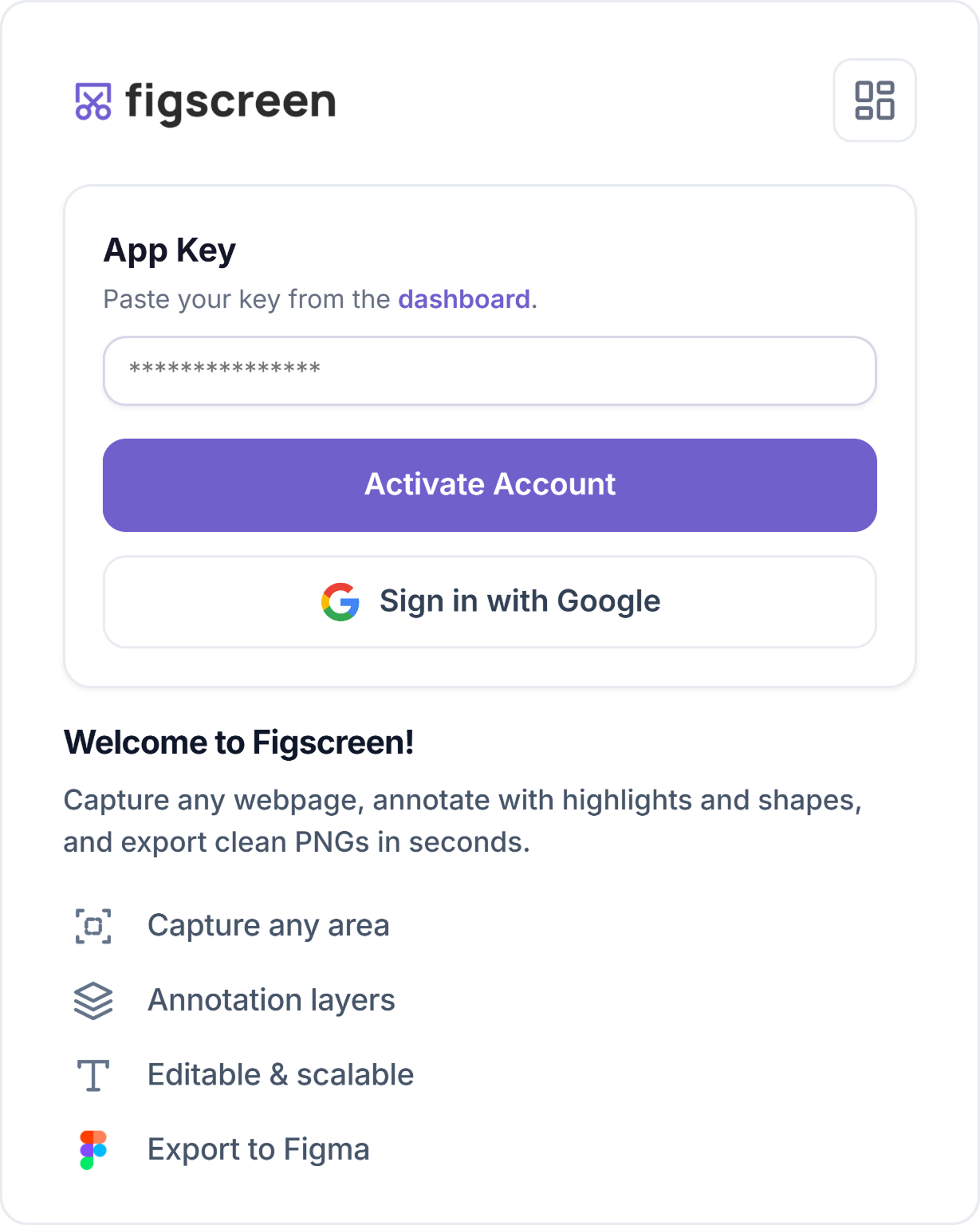
If screenshots are still slowing down your design process, give it a try. You can start without a card.